
Log in to OKTA.
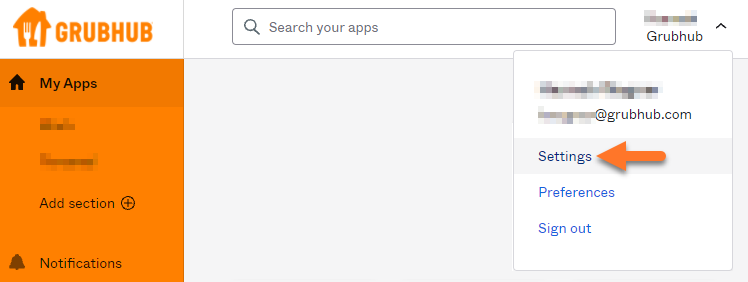
Click on your name in the top right and go to Settings

If you are unable to select the fields, click the edit profile button. It will ask you to enter your Okta password for verification.
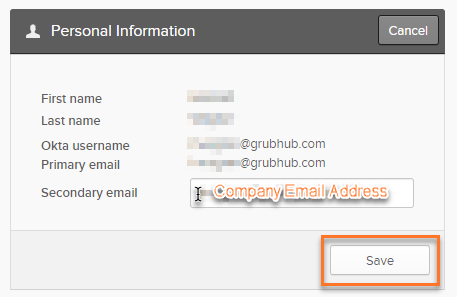
Under Personal Information click Edit

Enter your company email address in the Secondary Email field and click Save
An email will be sent to your work email address asking you to confirm this change.
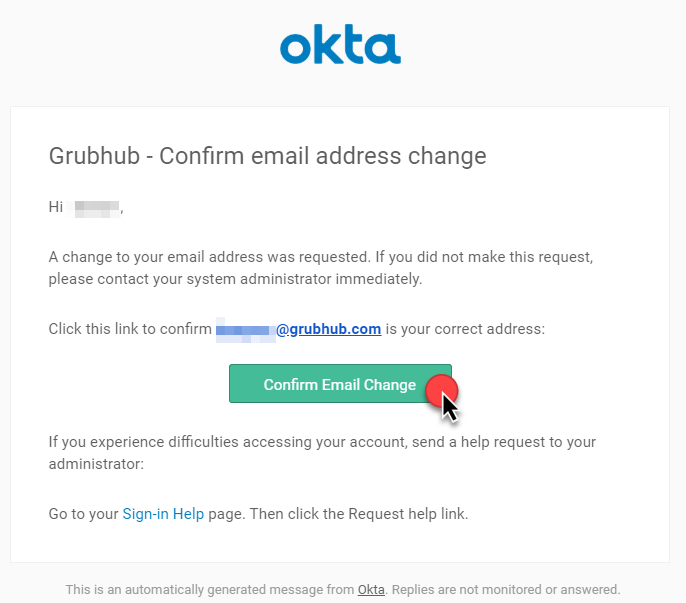
Select Confirm Email Change