Navigate to: https://grubhub.okta.com/
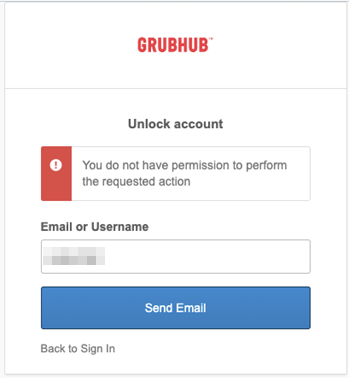
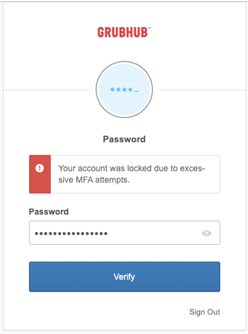
If you attempt to log into OKTA with your username and password and get one of these messages...
|
|
 |
|---|---|
|
Click Need help signing in? Click Unlock account |
Go back to where you can enter username again Click Unlock account |
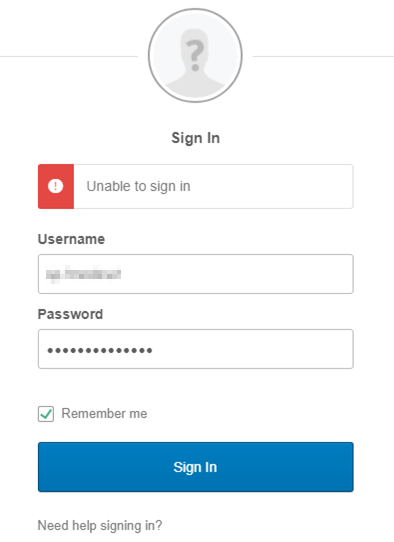
Note: The message, "unable to sign in" means that the account is locked out from too many failed log in attempts. This could be due to entering the wrong username or password, or not being logged into your company VPN before attempting to log in. If you are having issues with your VPN, please work with your employer.
Enter your Grubhub username (not your work email address)
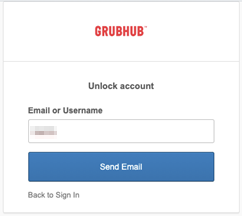
Click Send Email, it will automatically send an email to your secondary email address you entered during registration. If you set this up correctly, it should be your work email address.
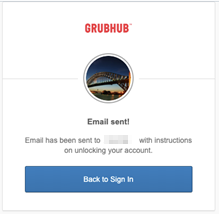
Go to your work email inbox and find the Okta email, it will look like this
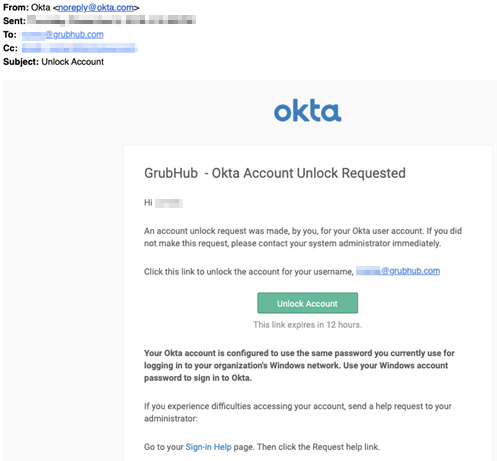
Click Unlock Account button
If your security question was set up correctly, enter your Employee ID in the security answer field
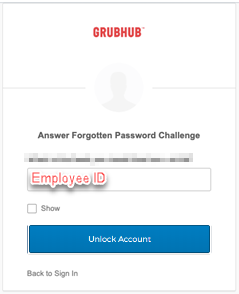
Click Unlock Account button
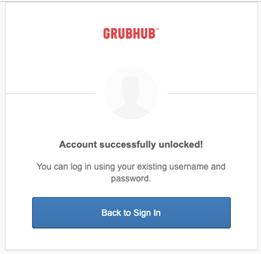
Note: If you did not set up your account with a secondary email address, you will see the following message when you log into Okta and will have to create a ticket for GH Care Partner Support here to unlock your account.