
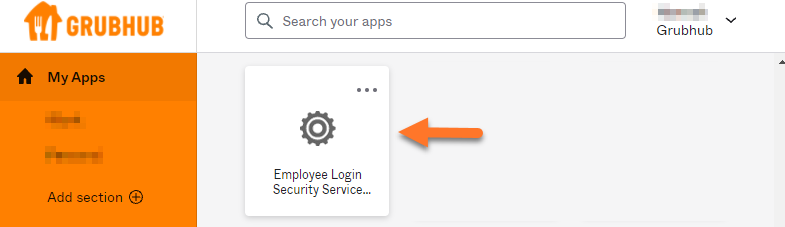
Once Group Admin Tool has been granted, navigate to your Okta dashboard.
Click on the Employee Login Security Service to launch Grubhub.com.
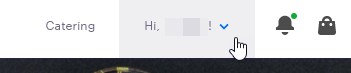
Find your name at the top-right and click to open the menu.
If your name does not appear in the menu, open a ticket with Partner Support.
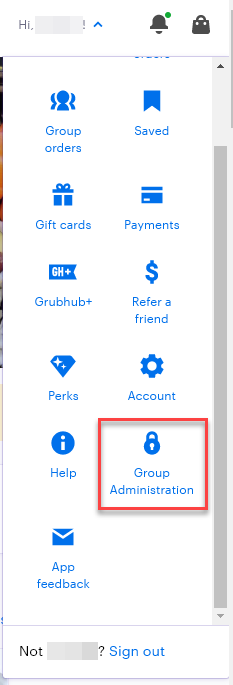
Find and select Group Administration in the menu.
To test your access, select one of the account types, Standard and Enterprise, and ensure that they open appropriately.
If either page launches directly to the homepage, send a request to Partner Support.