When your Fountain account has been created, you will receive an email to your company email address.
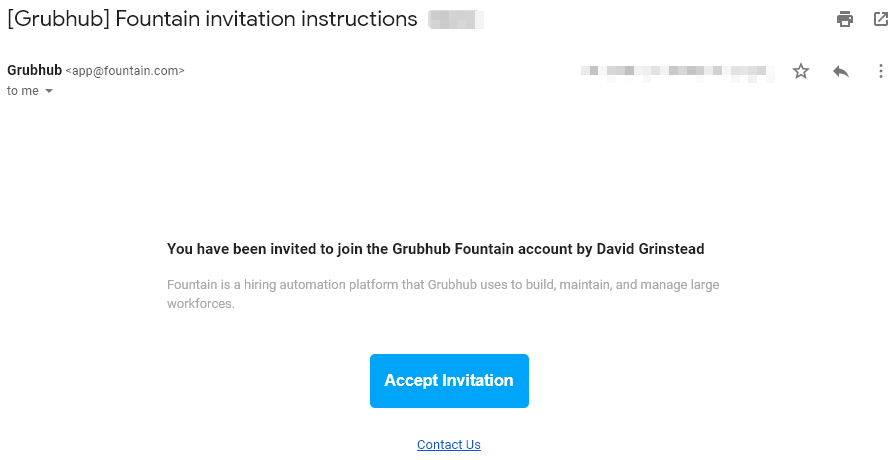
Click the button in the email, Accept Invitation.
You will be routed to the Fountain signup page.
Fill out the information appropriately with your Full Name, Company Email Address, and create a Password.
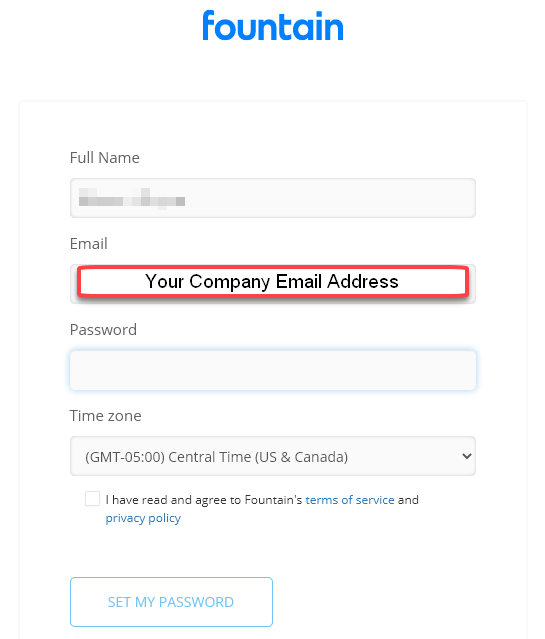
Make sure to check-mark next to the Terms of Service agreement then select Set My Password.
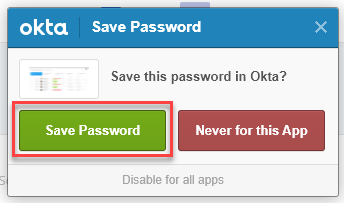
Note: If Okta requests to save this password, it is always recommended to accept.