
Users do not need a password specifically for Five9 if they use Single Sign-On (or SSO) to get into Five9. After completing a one-time setup process, users will be able to use SSO when logging into Five9.
Set Up
Go to the Okta home page.
Click on the Five9 Plus Adapter for Zendesk app
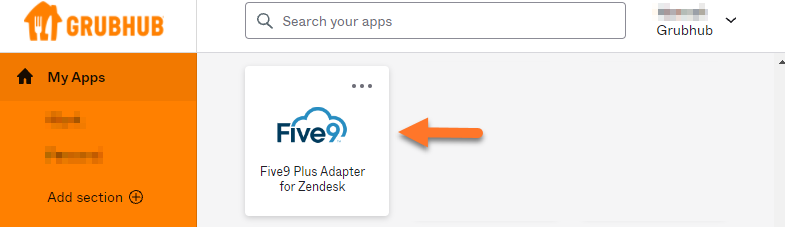
Once the app is selected, the screen will show that you are logged into Single Sign-On

Close the window, return to the Okta home page and open the Zendesk app
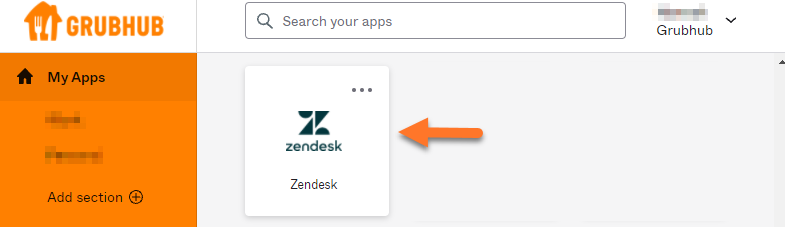
When Zendesk is opened, click the “Log Out” button in Five9
After this process is completed, users will only need to click “SSO Login” to sign into Five9 going forward.
