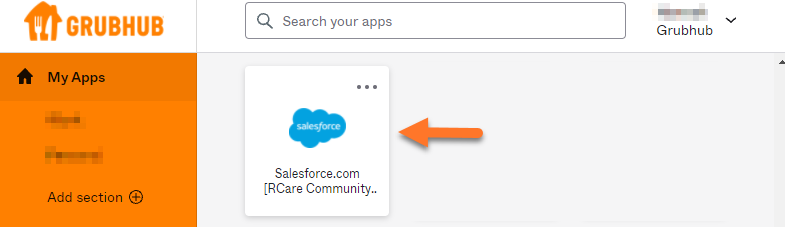
When your Salesforce Community account is ready, you will receive an email to your company email address.
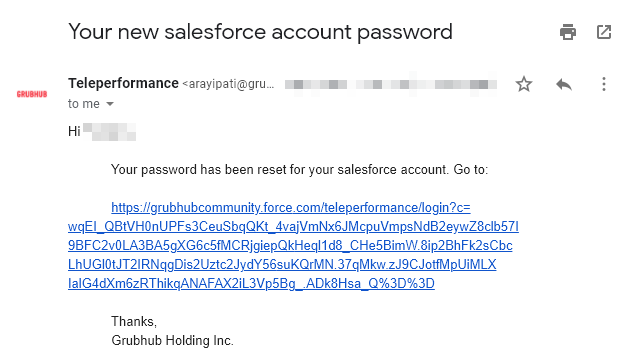
Click the link in the email.
You will be routed to the Change Your Password page.
This page will also provide your Username.
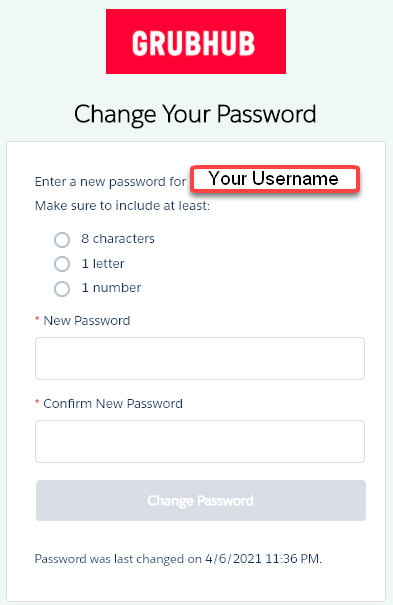
Create a password following the criteria required.
Make sure everything looks good and click Change Password.
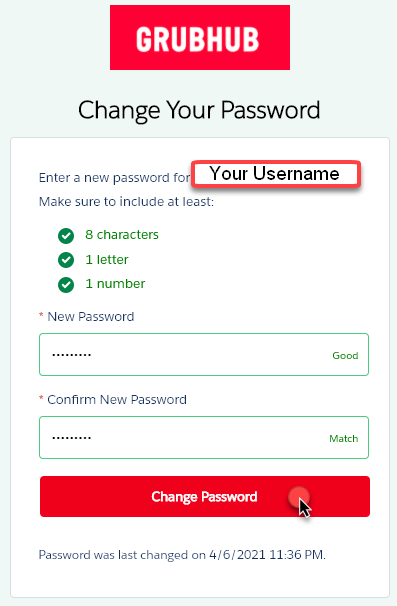
You are now logged in to Salesforce Community.`
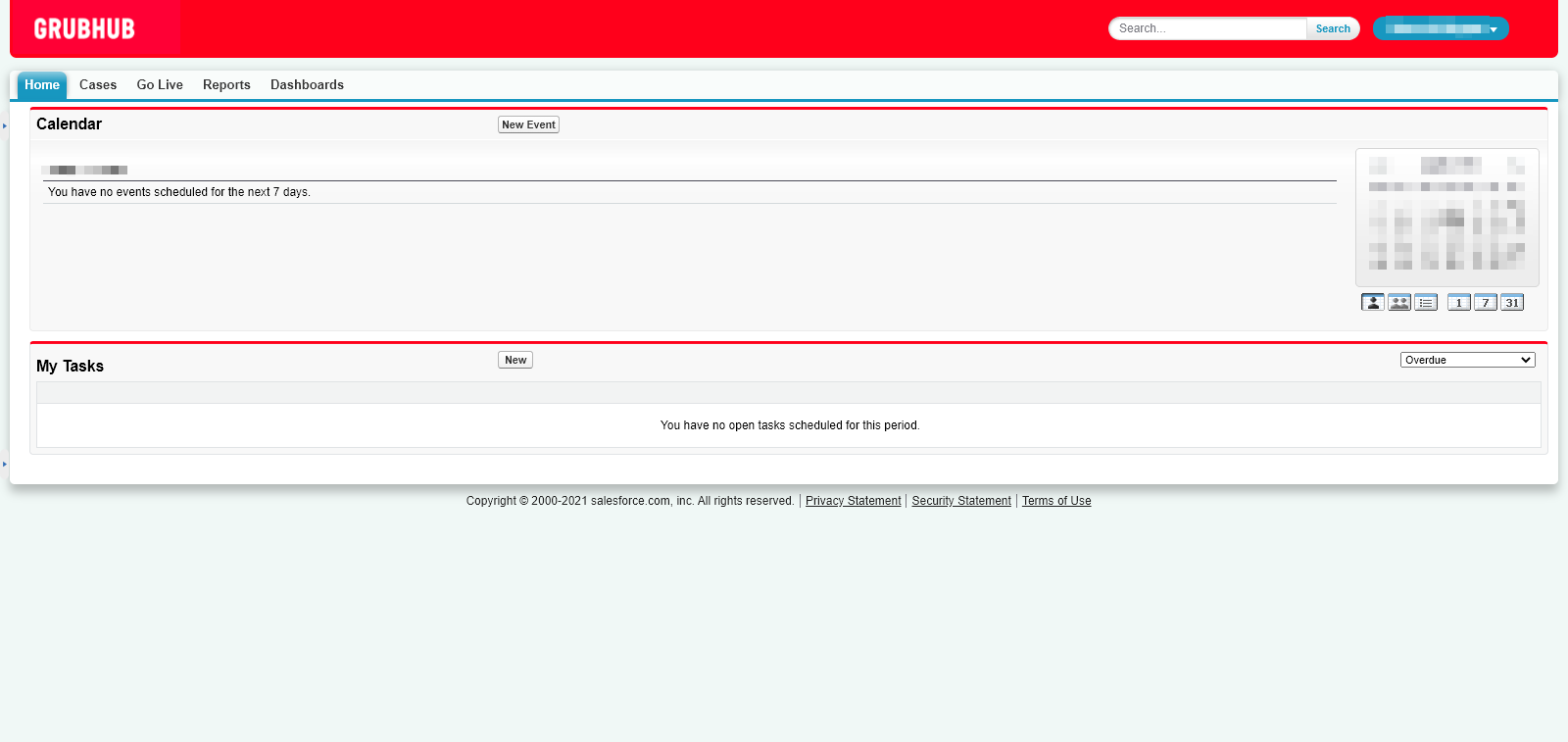
Now that you have created a password and logged in successfully, you can use the Salesforce Community Single Sign-On button on your Okta dashboard.